



Connecting your Shopify store to AliExpress for automated order fulfillment is one of the most impactful technical setups you can make as an ecommerce entrepreneur. When done correctly, it eliminates hours of manual order processing each week, reduces errors, and lets you scale your business without proportionally increasing your workload.
This guide walks through the complete setup process from start to finish, covering app selection, product importing, pricing strategy, and automation configuration.
Step 1: Choose Your Integration Platform

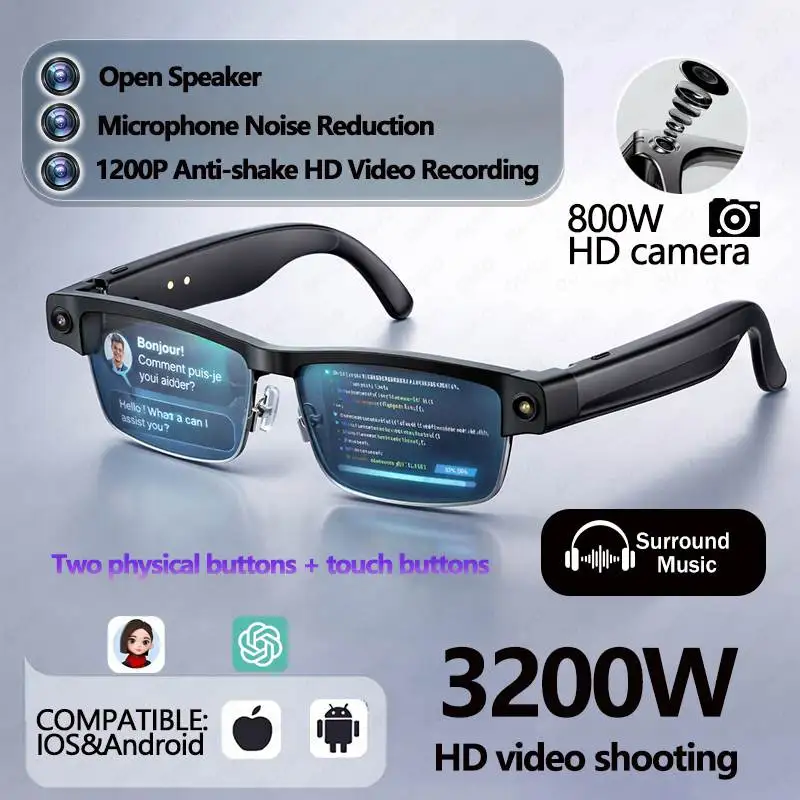
Smart AI Translation Bluetooth Earphones With LCD Display Noise Reduce New Wireless Digital Long Battery Life Display Headphone

Ai Translator Earbud Device Real Time 2-Way Translations Supporting 150+ Languages For Travelling Learning Shopping Business

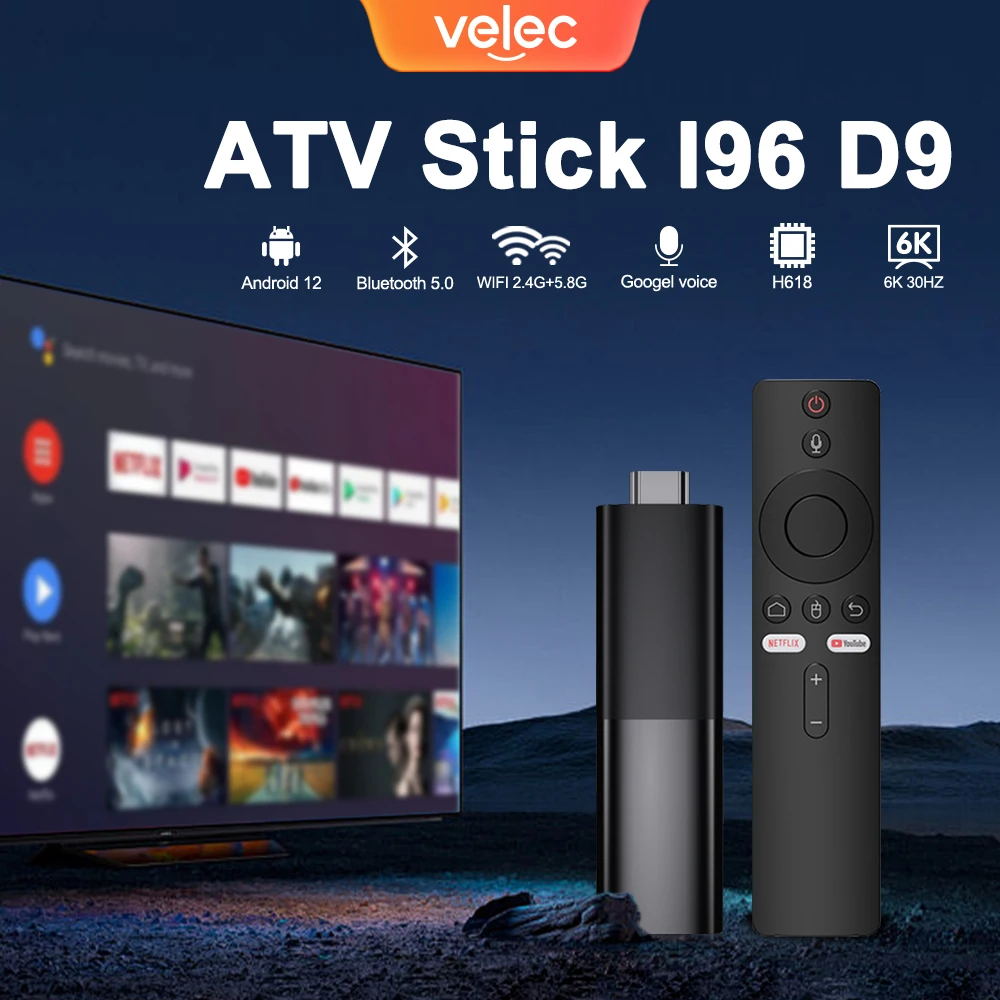
TV98 ATV X9 Smart TV Stick Android14 Allwinner H313 OTA 8GB 128GB Support 8K 4K Media Player 4G 5G Wifi6 HDR10 Voice Remote iptv
Your integration app is the bridge between Shopify and AliExpress. The three most popular options in 2026 are DSers, Zendrop, and Spocket. DSers is the most widely used for general dropshipping, offering bulk order processing and multi-supplier support. Zendrop emphasizes faster shipping through US-based warehouses. Spocket focuses on suppliers from the US and Europe for faster delivery times.
For beginners, DSers offers the best balance of features and ease of use. Sign up for a free account, install the Shopify app, and link your AliExpress account. The setup takes less than 10 minutes.
Step 2: Import Products With Care
Once your integration app is installed, browse AliExpress for products that match your store’s niche. Look for items with at least 500 orders, 4.5-star ratings or higher, and suppliers who respond to messages within 24 hours. Use your app’s AliExpress Chrome extension to import products with one click.
Before pushing products live, clean up the imported listings. Rewrite product descriptions in your own brand voice — AliExpress descriptions are often poorly translated and contain irrelevant details. Replace any watermarked or low-quality images with clean versions. Adjust the title to include your target keywords naturally.
Step 3: Set Your Pricing Strategy
Pricing determines whether your store survives. A standard approach is 2.5x to 3x markup on the AliExpress product cost. If an item costs $10 on AliExpress, price it at $25-$30 on Shopify. Factor in the product cost, shipping fees, payment processing fees (Shopify charges 2.9% + $0.30 per transaction), and any marketing costs.
Most integration apps let you set global pricing rules that automatically apply markup to every imported product. This saves time and ensures consistency across your catalog.
Step 4: Configure Automatic Fulfillment
This is where the real time savings happen. In your integration app settings, enable automatic order placement. When a customer buys from your Shopify store, the app automatically creates an identical order on AliExpress, fills in the customer’s shipping details, and processes payment through your linked account.
You can set the system to manual review mode initially if you want to inspect each order before it goes through. Once you trust the automation, switch to fully automatic mode. The app will also handle tracking number syncing, so your customers automatically receive shipping updates.
Step 5: Monitor and Optimize
Even the best automated system needs occasional oversight. Check your integration dashboard daily during the first week to ensure orders are flowing correctly. Watch for supplier stock changes, shipping delays, and any pricing discrepancies. Most issues can be fixed quickly once detected.
As your order volume grows, consider upgrading to a paid plan on your integration app for faster processing and additional features like multi-variant support and automated supplier switching when a primary supplier runs out of stock.
With this setup, you can process hundreds of orders per week with minimal manual intervention, freeing up your time to focus on marketing, product research, and customer experience.
Frequently Asked Questions
Q: What shipping method is best for small import businesses?
For small importers, sea freight economy (LCL – Less than Container Load) offers the best value for orders under 2 cubic meters. Air freight is faster but costs 4-5 times more. Express couriers like DHL are best for urgent samples and small parcels.
Q: How do I calculate shipping costs for imported goods?
Shipping costs depend on cargo volume (CBM), weight, origin/destination ports, fuel surcharges, and customs clearance fees. Most freight forwarders provide instant quotes. As a rule of thumb, budget 15-25% of product cost for international shipping.
Q: How do I choose a reliable freight forwarder?
Look for forwarders with positive reviews on Freightos or Shipa Freight. Verify their licenses, check their network of agents at destination ports, compare quotes from 3-5 forwarders, and start with smaller shipments to test reliability before committing.
Q: What happens if my shipment is delayed in customs?
Contact your freight forwarder immediately to identify the issue. Common causes include incomplete documentation, valuation discrepancies, or random inspections. Pay any additional duties quickly and provide missing documents within 48 hours to minimize delays.
Q: Should I buy cargo insurance for small shipments?
Yes, cargo insurance is essential even for small shipments. Standard carrier liability covers only $2-5 per kg. Full cargo insurance costs 0.2-0.5% of shipment value and covers loss, damage, and sometimes delay-related losses.
Related: Cross-Border Logistics 101 | Zero Inventory, Big Returns | How to Find Reliable Suppliers for Your Sm…