





If you run a small import business, you already know that tracking inventory across multiple suppliers, warehouses, and sales channels is a constant challenge. Manual spreadsheets break down when you’re juggling dozens of SKUs from different countries, each with its own lead time, storage cost, and reorder point. The right inventory management software can transform chaos into clarity, but picking the wrong one wastes months and thousands of dollars. This guide walks you through exactly what to look for, what questions to ask, and how to make a confident choice in under an hour.
Most small importers make the same mistake: they pick software based on price or popularity without mapping their specific workflow first. As covered in our article on In-House vs Outsourced Fulfillment, the way you handle storage and shipping dramatically changes what kind of inventory features you need. A dropshipper who never touches products needs different software than an importer who stocks containers in a warehouse. Define your fulfillment model before you evaluate tools, not after.
The first feature to look for is multi-warehouse support. If you import goods into a freight forwarder’s facility, then ship to Amazon FBA, and also keep reserve stock at home, your software must track quantities separately at each location. Without this, you risk overselling from a location that’s actually empty. The second must-have is automated reorder alerts based on lead time — not just low-stock warnings. Chinese supplier lead times fluctuate, and a good system accounts for that variance rather than assuming every order arrives in two weeks.

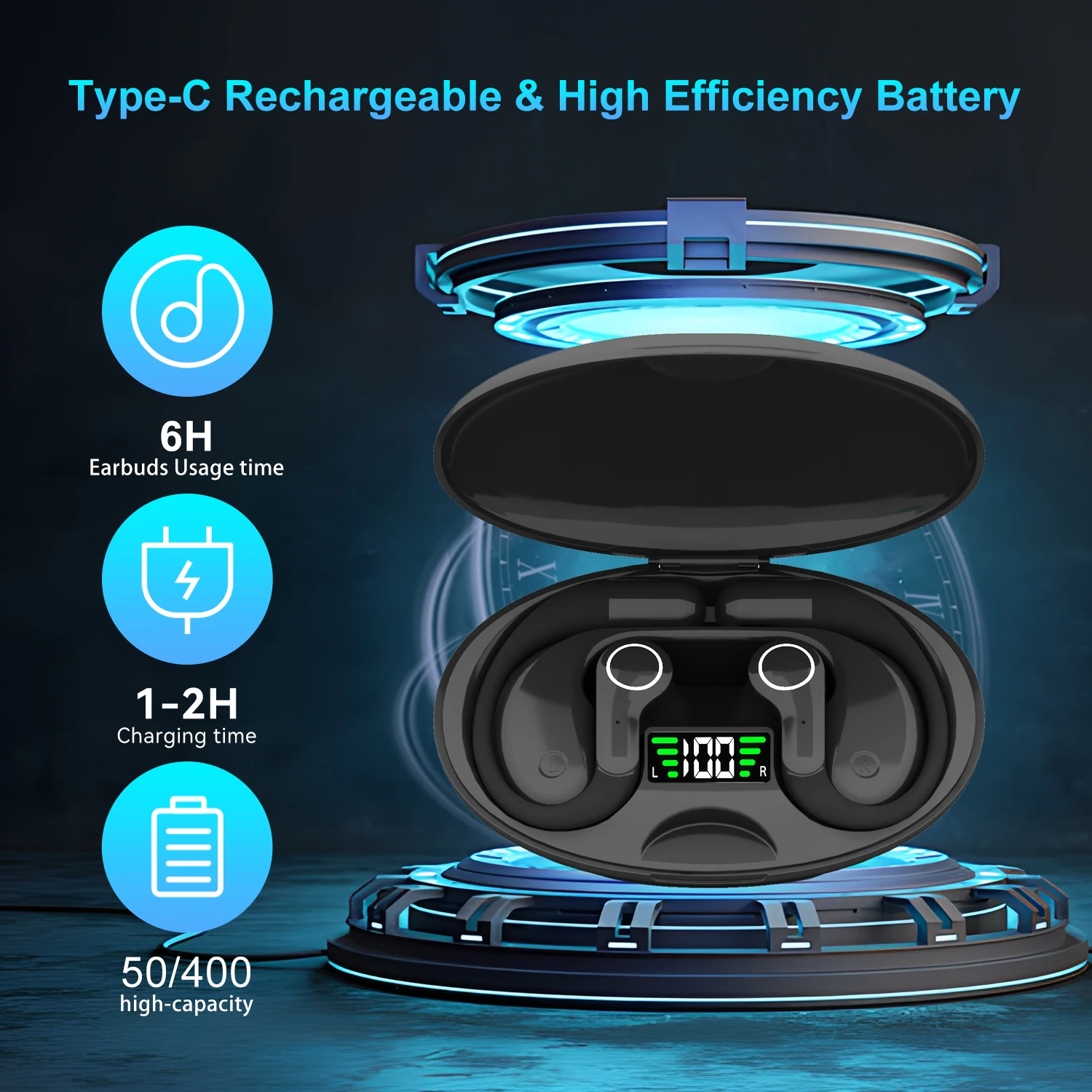
Ai Translator Earbud Device Real Time 2-Way Translations Supporting 150+ Languages For Travelling Learning Shopping Business

Smart AI Translation Bluetooth Earphones With LCD Display Noise Reduce New Wireless Digital Long Battery Life Display Headphone

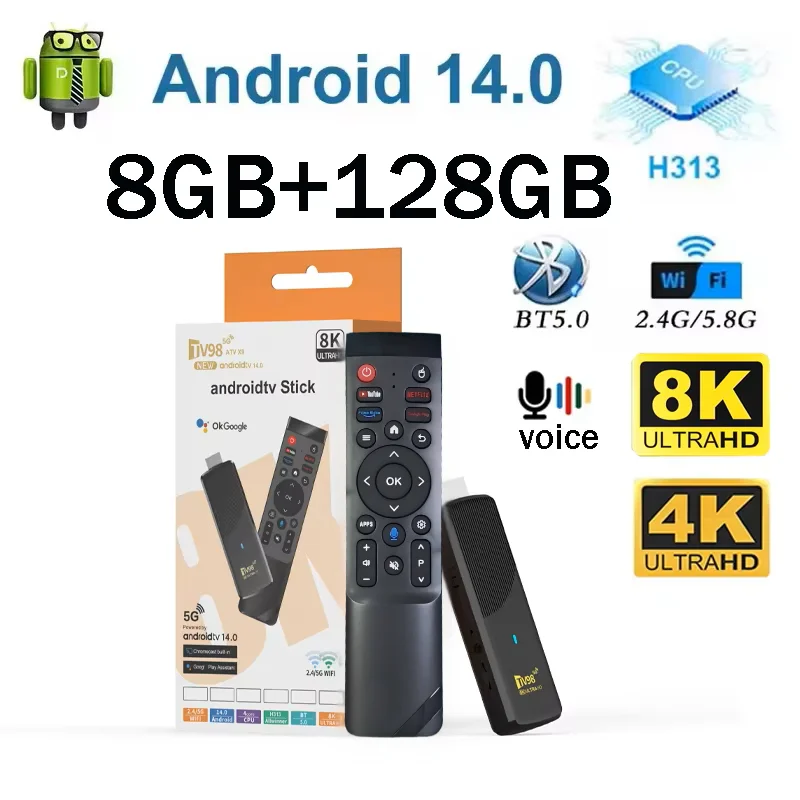
TV98 ATV X9 Smart TV Stick Android14 Allwinner H313 OTA 8GB 128GB Support 8K 4K Media Player 4G 5G Wifi6 HDR10 Voice Remote iptv
Integration with your sales channels and accounting tools is non-negotiable. Your inventory software should sync in real time with platforms like Shopify, WooCommerce, eBay, and Amazon. Otherwise, you’ll end up manually reconciling orders — the exact problem you’re trying to escape. Systems like Zoho Inventory, Cin7, and ShipStation offer pre-built connectors, but check the integration quality before committing. Some only sync inventory levels every few hours, which can cause oversold items during flash sales or holiday peaks.
Pricing for small-import-friendly inventory software ranges from roughly $30 per month for basic plans to $400+ per month for enterprise features. But here’s the trap: the cheapest option often charges per order or per SKU, so a growing import business quickly outgrows the base plan. Calculate your total monthly cost at double your current volume before comparing plans. Also check whether the software supports your specific currency and tax needs. Many tools optimized for US-only sellers break when you’re paying suppliers in RMB and selling in USD.
A frequently overlooked factor is onboarding time and support quality. Some tools claim to be “set up in minutes” but require weeks of data migration, SKU mapping, and workflow configuration. Look for software that offers hands-on onboarding with a dedicated specialist for import businesses. As noted in our guide to How to Calculate Profit Margins on Imported Goods in Under 10 Minutes, accurate cost tracking across currencies is critical — your inventory system must handle landed cost calculations (product price + shipping + duties + insurance) to give you real margin visibility, not just a partial picture.
Don’t underestimate the importance of mobile access. When you’re at a trade show in Yiwu or inspecting a container at port, you need to check stock levels, approve purchase orders, and scan barcodes from your phone. Software with a robust mobile app that supports offline mode (for warehouses with spotty reception) saves hours of backtracking. Verify this during your trial period, not after you’re locked into an annual contract.
Migrating from spreadsheets or an old system is where most implementation efforts stumble. Plan for at least one full weekend to clean your data before importing. Duplicate SKUs, inconsistent supplier names, and missing cost fields will cause errors that compound over weeks. The best strategy is to freeze sales during migration or run both systems in parallel for a week. Tools that offer CSV import templates with validation checks save you from discovering typos after go-live.
Your final shortlist should include at least three candidates that support multi-currency, multi-warehouse inventory, and landed cost tracking. Sign up for free trials, import a sample of your real data, and simulate your actual order flow. Give each tool one week — the one that requires the fewest workarounds for your specific import workflow is the winner. Most importers find that a mid-tier plan around $100–$200 per month provides the best balance of features and affordability for a business doing $50,000–$500,000 in annual revenue.
Choosing inventory management software doesn’t have to be overwhelming. When you focus on multi-location tracking, landed cost calculations, reliable integrations, and real-world mobile access, the right choice becomes obvious. Start with your fulfillment workflow, make a list of non-negotiable features, and work through the shortlist methodically. The 30 minutes you spend evaluating options today will save you dozens of hours and thousands of dollars in prevented errors over the next year.
Related Articles
- Scaling a Dropshipping Business: What Changed and What Still Works for Small Importers
- Dropshipping vs Wholesale: Which Small Import Strategy Wins for Consistent Monthly Profit?
- Online B2B Platforms vs Trade Shows: Which Global Trade Network Strategy Wins for Small Importers?
Frequently Asked Questions
Q: How much inventory should I keep in stock?
Use the 3-month rule: maintain enough inventory to cover 90 days of sales. Calculate safety stock based on lead time variability (typically 20-30% above anticipated demand). This buffer protects against supply chain delays and unexpected demand spikes.
Q: What is the best way to manage inventory for import products?
Use inventory management software like ShipStation, Zoho Inventory, or Cin7. Track stock levels, set reorder points, and monitor dead stock. Implement FIFO (First In, First Out) for perishable goods. Regular cycle counting reduces stock discrepancies.
Q: How do I avoid dead stock in my import business?
Start with smaller orders before scaling. Monitor sell-through rates monthly and adjust ordering accordingly. Use sales data analytics to identify slow movers early. Run clearance promotions for aging inventory before it becomes obsolete.
Q: What software tools help with import inventory management?
TradeGecko (now QuickBooks Commerce) for import-specific inventory, Skubana for multichannel inventory, and Zoho Inventory for affordable entry-level management. Most platforms offer barcode scanning, purchase order management, and real-time stock tracking.
Q: How do I calculate reorder points for import products?
Reorder Point = (Average Daily Sales × Lead Time in Days) + Safety Stock. For example, selling 10 units/day with 45-day lead time and 200 safety stock = 650 units reorder point. Review and adjust this calculation quarterly based on actual sales data.