
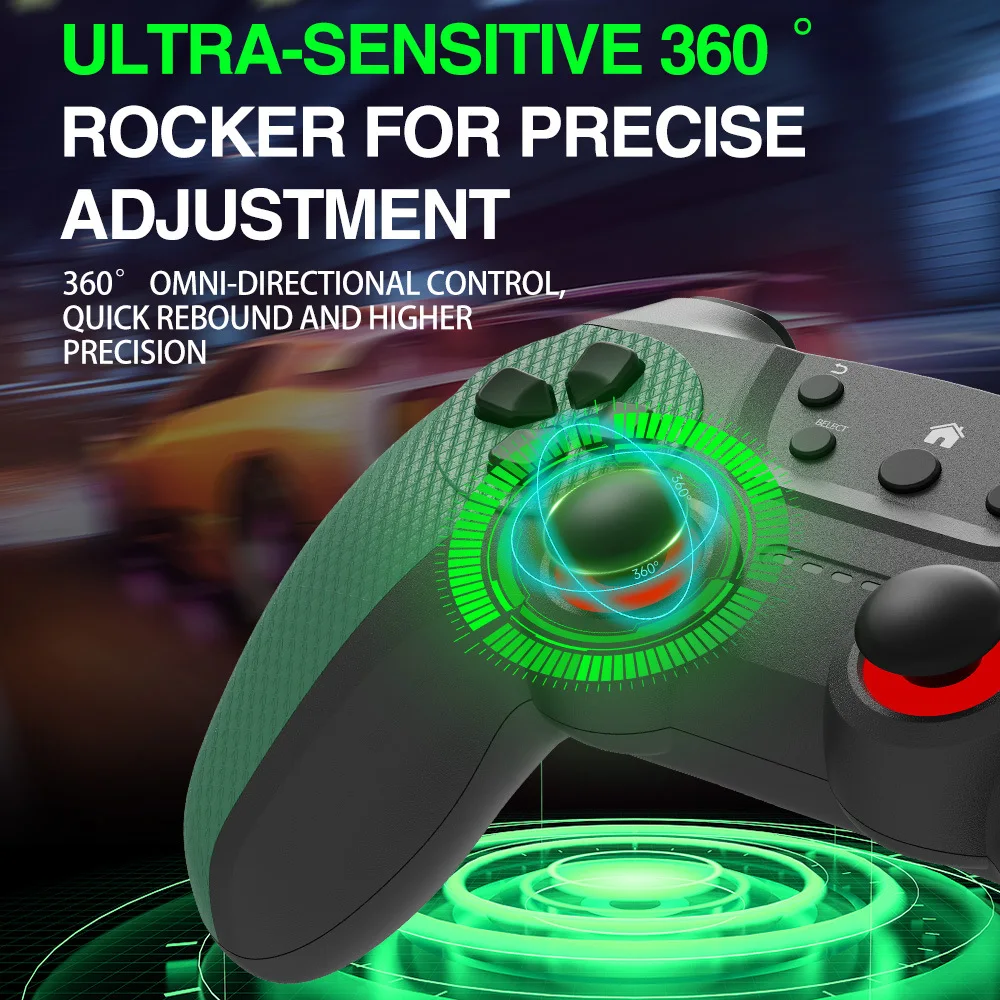
The retro gaming revolution shows no signs of slowing down in 2025. Whether you grew up playing Pac-Man in arcades or spent afternoons with a PSP in hand, a retro gaming console brings all that nostalgia back to life on your modern TV or monitor. In this guide, we break down everything you need to know about buying a retro gaming console — from key hardware features and controller options to display compatibility — with a detailed look at the popular 2025 M22-U Game Console.
Why Retro Gaming Consoles Are Booming in 2025
The global retro gaming market has grown substantially over the past five years, driven by a wave of nostalgia among millennials and Gen Z gamers alike. According to industry data, the retro gaming hardware market is projected to exceed $15 billion by 2027, with dedicated consoles like the M22-U leading the charge. Several factors explain this surge in popularity.
First, the accessibility of pre-loaded consoles has made retro gaming easier than ever. Instead of hunting down original cartridges and aging hardware on eBay, modern buyers can purchase a single device that comes with hundreds of pre-installed games spanning arcade classics, PSP titles, and 8-bit/16-bit favorites. Second, improvements in HDMI output and wireless controller technology mean that retro gaming now feels crisp and responsive on modern 4K televisions. Finally, the price point is attractive — most retro gaming consoles cost between $30 and $80, making them an affordable entry point for casual gamers and collectors alike.
For importers and small business owners, this category presents a strong opportunity. Retro gaming consoles are lightweight, compact, and relatively inexpensive to ship. With global demand steady year-round and spikes during holiday seasons, stocking a reliable model like the M22-U can generate consistent turnover. Before committing to a bulk order, however, it pays to understand the specifications and features that make a retro gaming console worth buying.
Key Features to Look for in a Retro Gaming Console
Not all retro gaming consoles are created equal. Before you purchase — whether for personal use or resale — here are the critical features to evaluate:
Game Library Size and Variety. The core value of a retro gaming console lies in its built-in game library. Look for consoles that offer at least 300+ games spanning multiple genres — arcade shooters, platformers, puzzle games, sports titles, and classic PSP-style games. A diverse library ensures the console appeals to a broader audience, from casual players to serious collectors.
Wireless Controllers. Wired controllers limit your seating distance and can clutter your entertainment setup. A retro gaming console with 2.4G wireless technology offers low-latency response with a reliable connection up to 10 meters. Dual controllers are a major bonus, enabling two-player co-op or versus matches right out of the box.
Video Output Quality. Modern televisions lack the composite AV ports that original retro consoles required. Any console worth buying today should support HDMI output at minimum 720p upscaled resolution. Some models even offer 1080p upscaling, which sharpens pixel art while preserving the original game feel.
Build Quality and Portability. Since many buyers travel with their consoles or move them between rooms, a compact form factor with solid build quality matters. Look for consoles that weigh under 300 grams and include protective packaging if you plan to ship them to customers.
In-Depth Review: The 2025 M22-U Game Console
The 2025 M22-U Game Console is one of the most talked-about retro gaming devices on the market this year. Available at a promotional 6% discount bringing it down to just EUR 48.79, this console packs a compelling set of features for both casual gamers and small importers testing the retro gaming niche.
Game Library and Performance. The M22-U comes pre-loaded with hundreds of arcade and retro PSP games. The library covers classic beat-em-ups, racing games, puzzle titles, and shooting galleries — all playable through an intuitive on-screen menu. Loading times are minimal thanks to the flash-based storage, and game emulation runs smoothly at consistent frame rates. The console handles 8-bit and 16-bit era games without noticeable lag, which is critical for action-heavy titles that require precise timing.
Wireless 2.4G Controller System. The standout feature of the M22-U is its dual 2.4G wireless controllers. Unlike Bluetooth controllers, the 2.4G band offers lower input latency — typically under 16 milliseconds — which is essential for fast-paced arcade shooters and fighting games. The controllers are ergonomically designed with responsive D-pads and shoulder buttons, and each controller runs for approximately 8-10 hours on a full charge via USB-C.
HD Video Output. The M22-U connects to your TV or monitor via standard HDMI, delivering upscaled HD output that looks crisp on modern displays. The upscaling preserves the pixel-art aesthetic of classic games while smoothing jagged edges. This is a significant upgrade over older retro consoles that rely on composite or component video connections, which often look muddy on 4K screens.
Dual Connectivity. One of the M22-U's most versatile features is its ability to connect to both TVs and PC monitors. This dual-connection capability means you can use the console for home entertainment on the big screen, or plug into a desktop monitor for a more focused solo session. Setup is truly plug-and-play — no drivers, configuration files, or complicated menus to navigate.
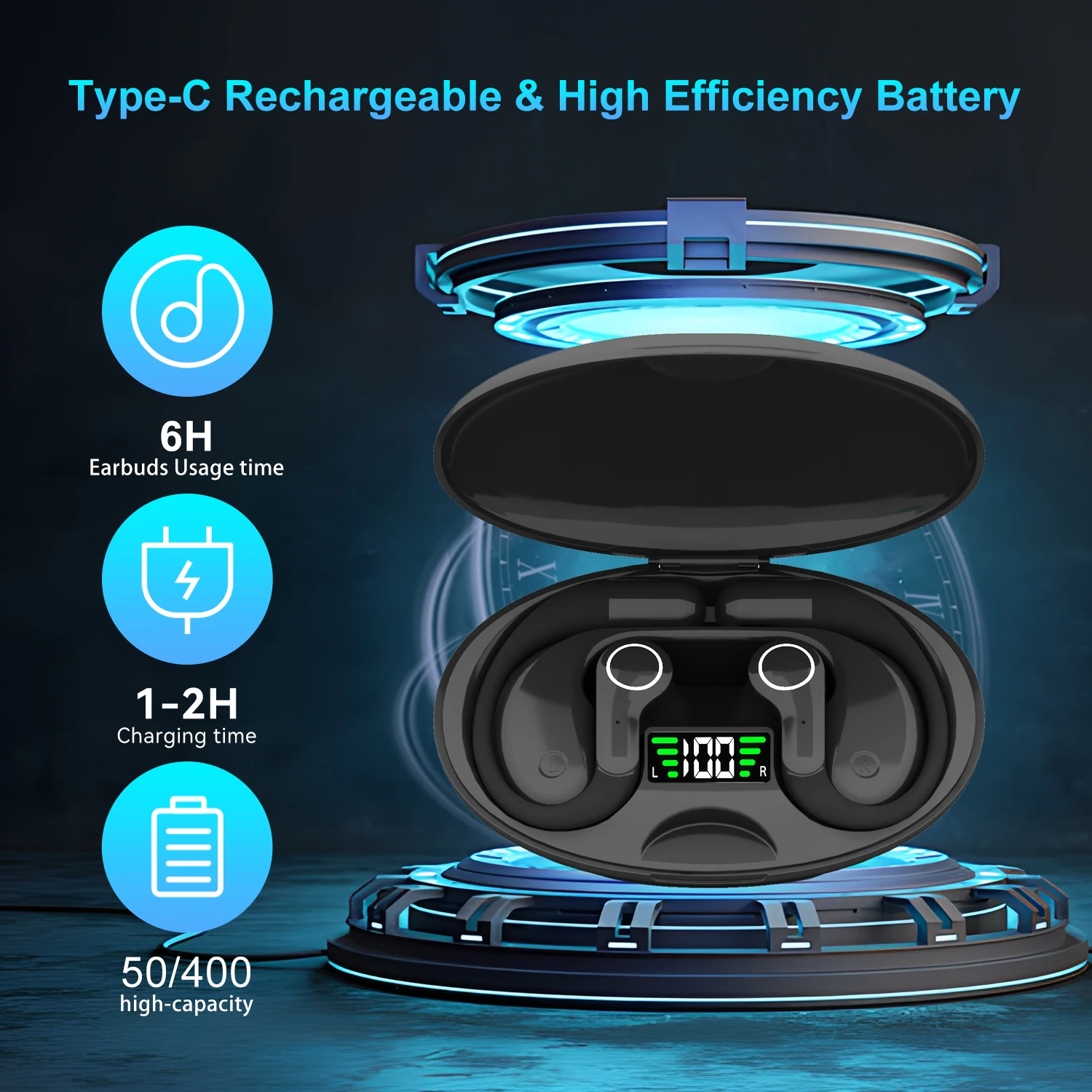
Smart AI Translation Bluetooth Earphones With LCD Display Noise Reduce New Wireless Digital Long Battery Life Display Headphone
Ai Translator Earbud Device Real Time 2-Way Translations Supporting 150+ Languages For Travelling Learning Shopping Business
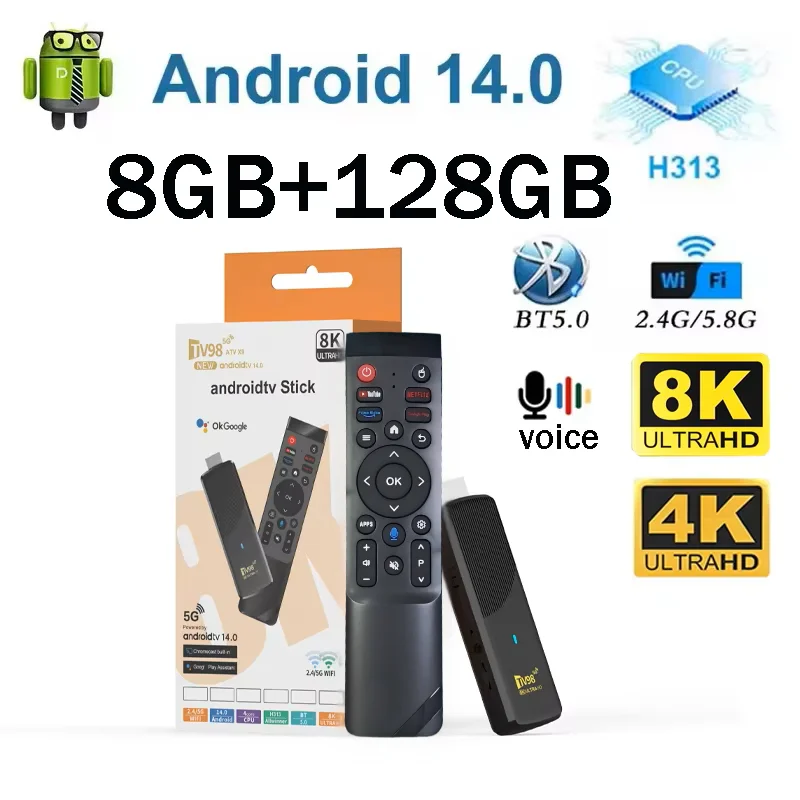
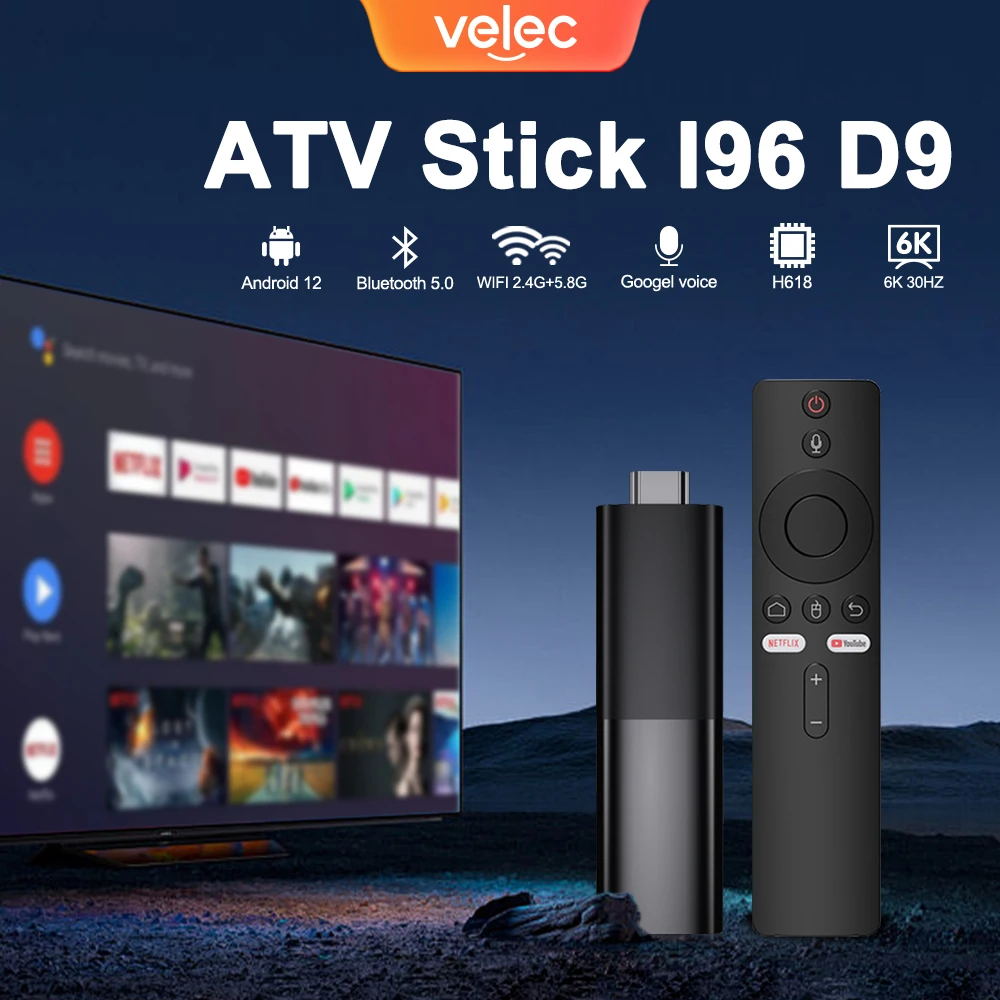
TV98 ATV X9 Smart TV Stick Android14 Allwinner H313 OTA 8GB 128GB Support 8K 4K Media Player 4G 5G Wifi6 HDR10 Voice Remote iptv
Wireless 2.4G vs Bluetooth: Which Controller Technology Wins for Retro Gaming?
When shopping for a retro gaming console, controller technology is often an overlooked spec — but it directly impacts gameplay quality. The two main wireless standards you'll encounter are 2.4G and Bluetooth.
2.4G Wireless operates on a dedicated radio frequency band similar to what wireless mice and keyboards use. The key advantage is ultra-low latency: 2.4G controllers typically deliver input lag of 8-16 milliseconds, which is indistinguishable from a wired connection for most players. The downside is that most 2.4G controllers require a small USB dongle plugged into the console or TV, adding one extra piece to keep track of.
Bluetooth offers more universal compatibility — many modern controllers can pair directly with smartphones, tablets, and PCs without a dongle. However, Bluetooth latency tends to hover around 30-50 milliseconds, which can feel sluggish in games that require split-second reactions. Interference from other Bluetooth devices (speakers, phones, smartwatches) can also cause occasional dropouts.
For a dedicated retro gaming console, 2.4G is the better choice. The M22-U's 2.4G controllers deliver responsive, lag-free gameplay that properly captures the feel of original arcade hardware. And with dual controllers included, you and a friend can jump straight into two-player classics like Street Fighter, Contra, or Bubble Bobble without any additional purchases.
HDMI Output and Display Compatibility: What You Need to Know
One of the most common questions buyers have is whether a retro gaming console works on their specific TV. Here's what you need to know about display compatibility for the M22-U and similar consoles.
HDMI Is the Standard. The M22-U uses a standard HDMI output, which means it works with virtually every modern TV, monitor, and projector sold in the last decade. Unlike original retro hardware that required RCA composite cables (yellow, white, red plugs), the HDMI connection delivers both video and audio through a single cable. This simplifies setup and eliminates the picture-quality degradation that comes with analog TV connections.
Aspect Ratio Handling. Classic retro games were designed for 4:3 CRT televisions, while modern screens use a 16:9 aspect ratio. The M22-U handles this by offering display mode options: you can stretch the image to fill the screen (which distorts proportions slightly but uses the full display), or play in original 4:3 with pillar boxes on the sides. For purists, the 4:3 option with pixel-perfect rendering is the most authentic experience.
PC Monitor Compatibility. Because the M22-U uses standard HDMI, it also works seamlessly with PC monitors. This is a great option for gamers who want to play at a desk or connect the console to a portable monitor while traveling. The console auto-detects the display resolution and adjusts its output accordingly — no manual configuration needed.
Buying Guide: How to Choose the Right Retro Gaming Console for Import or Resale
If you are considering importing a retro gaming console for your ecommerce business, here are the critical factors to evaluate before placing a bulk order:
1. Supplier Reliability. The retro gaming console market has many manufacturers, and build quality varies significantly. Always request samples before committing to a large order. Test the controller buttons, HDMI output stability, and game-loading performance. Check if the console supports PAL/NTSC switching, especially if you plan to sell across different regions. For guidance on vetting factories, read our Supplier Verification Guide.
2. Pricing and Margin Analysis. At a sale price of EUR 48.79, the M22-U offers healthy margins for resale — retail prices on similar consoles range from $59 to $89 on Amazon and eBay. However, don't forget to factor in shipping costs, customs duties, platform fees, and return handling. Our Cost Calculation Workbook walks through seven hidden expenses that can eat into your profits.
3. Market Demand and Seasonality. Retro gaming consoles experience predictable demand spikes during November-December (holiday gifting season) and June-August (summer break for kids and teens). If you order now and ship via sea freight (35-45 days), you can time inventory arrival to hit peak demand periods. Check sales data on Amazon and eBay to confirm pricing trends before committing volume.
4. Customs and Regulatory Compliance. Gaming consoles are classified under HS code 9504.90 (Video game consoles and machines) for most markets. Import duties range from 0% to 6.9% depending on the destination country. Ensure your supplier provides a CE marking or FCC certification, as some markets require electrical safety documentation for electronic products. Our Customs Clearance Playbook covers the complete documentation checklist.
5. Choosing a Sales Channel. Retro gaming consoles perform well on multiple platforms. On eBay, the auction format can drive above-retail prices for rare color variants. On Amazon FBA, fast Prime shipping is a competitive advantage. For a detailed breakdown of which platform works best for electronics, see our Marketplace Comparison Guide.
Frequently Asked Questions About Retro Gaming Consoles
Q: Can I add more games to the M22-U Game Console?
Most pre-loaded retro gaming consoles have fixed game libraries and do not support adding new games through USB or SD card slots. Check the product specifications carefully — some higher-end models offer expandable storage, but the M22-U ships with its full library pre-installed and does not support game expansion.
Q: Does the M22-U support save states?
Yes, the M22-U includes save state functionality that allows you to save your progress at any point in a game and resume later. This is a major advantage over original retro hardware, which relied on battery-backed cartridges or passwords. Save states are stored in the console's internal memory.
Q: What languages does the M22-U menu support?
The on-screen menu supports multiple languages including English, Spanish, French, German, Italian, Portuguese, and Chinese. Game content itself is primarily in English and Japanese, depending on the original ROM version used.
Q: Is the M22-U compatible with original console controllers?
No, the M22-U is designed exclusively for its included 2.4G wireless controllers. It does not feature ports for original NES, SNES, or PlayStation controllers. However, the included gamepads are designed to replicate the feel of classic controllers with modern ergonomics.
Q: What is the warranty on the M22-U Game Console?
Warranty coverage varies by seller. Most listings on AliExpress and similar platforms offer a 30-day buyer protection period, with some sellers offering a 12-month warranty. Always check the listing details and contact the seller directly if warranty terms are unclear.
Final Verdict: Is the M22-U Game Console Worth It?
The 2025 M22-U Game Console delivers excellent value at its promotional price of EUR 48.79. With dual 2.4G wireless controllers, HDMI output, a large pre-loaded game library, and plug-and-play setup, it checks all the boxes for anyone looking to relive classic gaming moments or enter the retro gaming resale market.
For small importers, the M22-U represents a low-risk product to test the retro gaming category. The compact size keeps shipping costs down, the price point is accessible to a wide consumer base, and demand is consistent throughout the year. As with any import product, thorough supplier vetting, proper cost calculation, and understanding customs requirements will set you up for success.
If you are ready to expand your ecommerce catalog or simply want a fun weekend gaming setup for the family, the M22-U with its current 6% discount is a solid choice that delivers far more than its price tag suggests.
Related Articles:
From Random Products to Reliable Sales — A Small Items Sourcing Plan
eBay vs Amazon vs Etsy — Which Online Marketplace Wins for Importers
The Importer's Cost Calculation Workbook — 7 Hidden Traps