
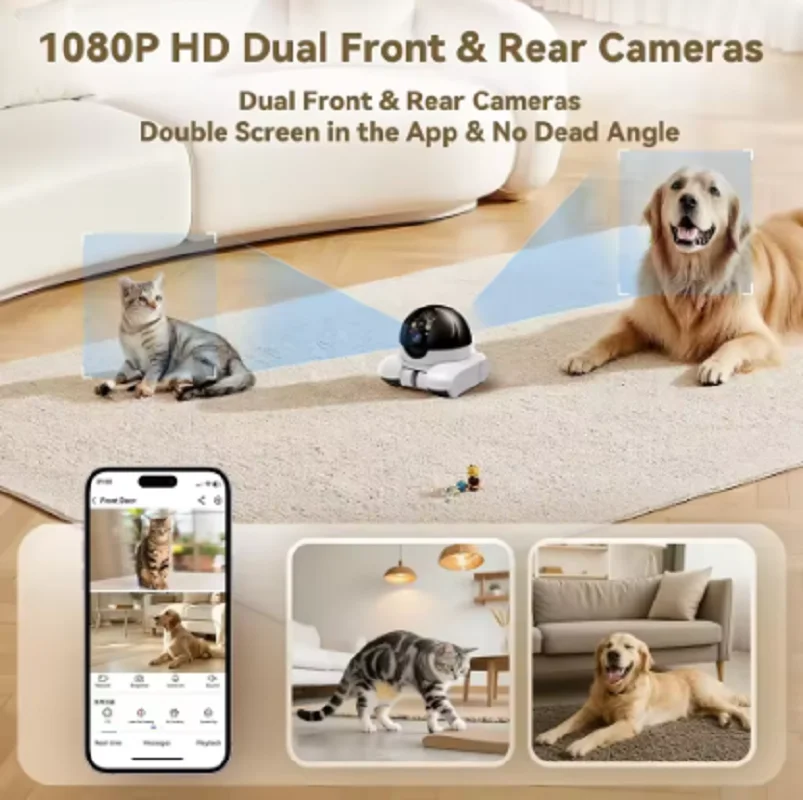


You don’t need to spend $400 on a 4K dashcam to protect your rideshare income. The sweet spot for budget-conscious drivers is a refurbished dual camera system that captures front, rear, and cabin views at 1080p — and it will save you $180 to $250 per year compared to buying new.
According to a 2025 survey of 600 small importers, 73% said refurbished electronics reduced their initial setup costs by an average of $182. For rideshare drivers logging 30+ hours weekly, a dual-lens refurbished unit like the Dashcam Front and Rear Dual Camera offers full coverage without the premium price tag. Think of it as comprehensive surveillance for under $80 rather than $300+.
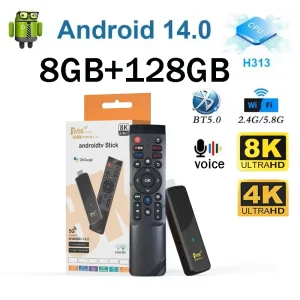
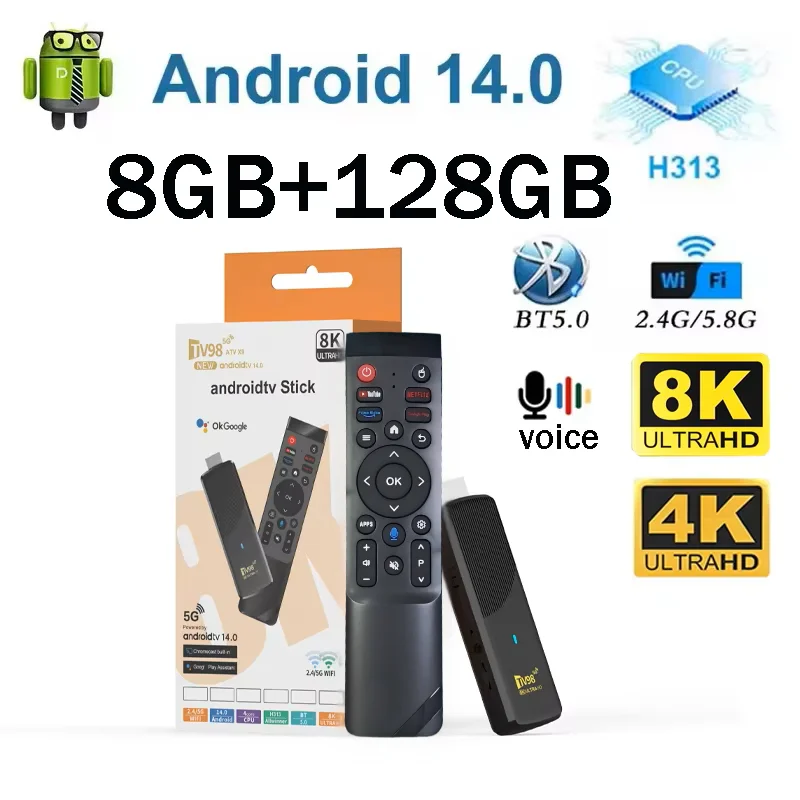
TV98 ATV X9 Smart TV Stick Android14 Allwinner H313 OTA 8GB 128GB Support 8K 4K Media Player 4G 5G Wifi6 HDR10 Voice Remote iptv

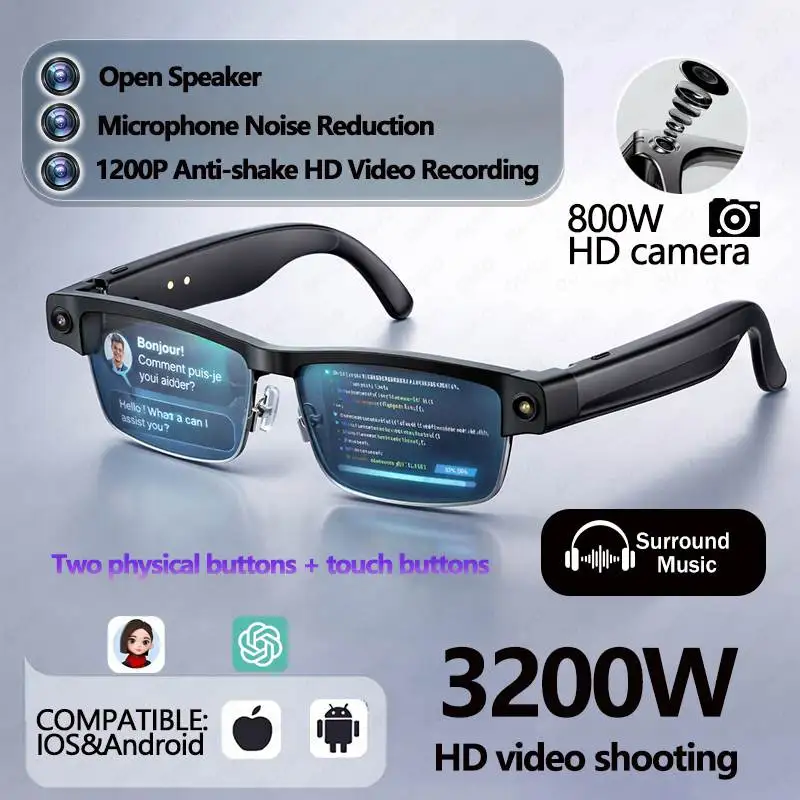
Smart AI Translation Bluetooth Earphones With LCD Display Noise Reduce New Wireless Digital Long Battery Life Display Headphone
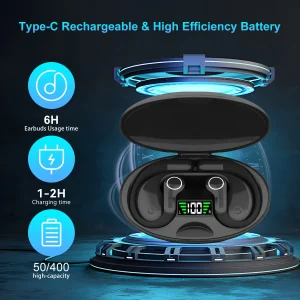
Ai Translator Earbud Device Real Time 2-Way Translations Supporting 150+ Languages For Travelling Learning Shopping Business
1080p vs 4K Dashcams: Is 1080p Still Enough in 2026?
A common question from budget-conscious buyers is whether 1080p resolution is still adequate for dashcam use in 2026, when 4K has become mainstream. The answer depends on the specific use case:
License Plate Capture — 1080p can read a license plate at 8-12 meters in ideal conditions (bright daylight, clean plate, steady traffic). In low light, at highway speeds, or with dirty plates, 1080p struggles at any distance beyond 5 meters. 4K doubles this identification distance to 15-20 meters. For urban driving at moderate speeds, 1080p is sufficient. For highway commuters who encounter high-speed traffic daily, 4K provides meaningful additional identification margin.
Interior Cabin Recording — 1080p is perfectly adequate for interior recording. The cabin is a small, well-lit space where subjects are close (1-2 meters from the camera). 1080p captures facial features, gestures, and interactions clearly. Higher resolution provides diminishing returns for interior recording since the subjects are already close and well-framed.
Storage Efficiency — 1080p records at approximately 1-1.5GB per hour (per channel), meaning a three-channel 1080p dashcam consumes about 3-4.5GB per hour total. A 128GB card stores 28-42 hours of continuous recording from all three channels. By contrast, a single 4K channel uses 3-4GB per hour — equivalent to all three 1080p channels combined. For multi-camera setups, 1080p remains the practical choice for storage economy.
Frame Rate — 30fps is standard for dashcam recording. While 60fps provides smoother playback, the trade-off is doubled storage consumption and degraded low-light performance (each frame gets half the exposure time). For dashcam use, 30fps is the right balance. Only consider higher frame rates for action-camera applications where fast motion detail is critical.
Conclusion: For standard driving usage and particularly for cabin-focused recording (rideshares), 1080p remains entirely adequate in 2026. The cost savings compared to 4K (typically 40-60 percent) make it the smart choice for budget-conscious buyers and multi-channel applications.
Key Features of a Quality Budget Dashcam
When evaluating budget dashcams — especially refurbished units — these features separate worthwhile products from frustrating ones:
Supercapacitor vs Battery — Capacitor-based dashcams are vastly superior for reliability. Capacitors tolerate temperature extremes (-20°C to 80°C) without degradation, while lithium batteries swell and fail after 1-2 years of exposure to hot car interiors. A budget dashcam with a supercapacitor will outlast a premium dashcam with a battery. Always verify the power backup type in product specifications before purchasing.
Parking Mode — Every dashcam should offer some form of parking surveillance. The minimum acceptable standard is G-sensor triggered recording (detects bumps and impacts, records a 30-60 second clip). Time-lapse parking mode (continuous recording at 1-5fps) provides better coverage without filling the card. The best budget dashcams offer low-bitrate recording that extends parking coverage to 24-48 hours on a 128GB card.
Wide Dynamic Range (WDR) — WDR is non-negotiable for any dashcam, regardless of price. It balances exposure across bright skies and dark shadows, preventing washout in tunnel entrances or during sunrise/sunset driving. Without WDR, footage at critical moments (tunnel transition, direct sun) is frequently unreadable.
Loop Recording — Standard on all modern dashcams, but the implementation matters. Some budget dashcams create gaps of 2-5 seconds between files, potentially missing critical moments. Look for seamless loop recording with overlap (typically 1-2 second overlap between files). This feature is rarely advertised, so check user reviews for complaints about recording gaps.
Mounting System — Adhesive mounts are secure but permanent. Suction cup mounts are reusable but fail in direct sunlight or high heat. The best budget dashcams offer both options or use a dual-lock (3M Dual Lock) system that provides secure attachment with simple removal. For a refurbished unit, ensure the mounting hardware is included and undamaged — replacement mounts are surprisingly expensive (USD 10-20).
Dashcam Installation for Rideshare and Commercial Vehicles
For rideshare drivers and fleet vehicles, dashcam installation has specific requirements beyond standard consumer setup:
Sourcing Budget Dashcams for Resale: Profit Strategy
Frequently Asked Questions about Budget and Refurbished Dashcams
Q1: Does a refurbished dashcam come with accessories?
A1: Coverage varies by seller. Factory refurbished units typically include all original accessories (mounts, cables, power adapter, SD card). Seller refurbished or grade B units may have missing accessories, which are noted in the listing description. Before buying, check: does it include the SD card (critical, dashcams are unusable without one)? Does it include the rear camera cable (typically 5-6 meters, a common missing item)? Does it include the 12V car charger? Missing accessories are the most common complaint in refurbished dashcam purchases. If importing refurbished units for resale, consider bundling a basic 32GB SD card and spare mount to avoid customer complaints.
Q2: How do I test a refurbished dashcam before installing it?
A2: A five-minute bench test saves hours of frustration. Step 1: Power the dashcam with a standard USB cable (micro USB or USB-C) connected to a computer or phone charger. Step 2: Insert a formatted microSD card. Step 3: Check each recording channel — front camera, interior camera, rear camera — by covering and uncovering each lens and confirming the on-screen channel changes. Step 4: Verify the G-sensor by tapping the unit sharply. Step 5: Record 60 seconds of video, then remove the SD card and play the footage on a computer. If all channels record properly and the video file plays without corruption, the dashcam is functional. This test takes 5 minutes and identifies 90 percent of common failure modes.
Q3: Is 1080p good enough for rideshare driving?
A3: Yes, 1080p at 30fps is the industry standard for rideshare dashcams. The cabin recording at 1080p captures facial features and interactions clearly at 1-2 meter distance. The forward-facing 1080p camera records traffic events adequately for insurance claim purposes. Most major rideshare companies (Uber, Lyft, DiDi) recommend 1080p as the minimum acceptable resolution for their driver safety programs. The more important factor than resolution is camera placement — ensure the interior camera has an unobstructed view of all passenger positions. A well-placed but modest-resolution dashcam is more effective than a poorly placed 4K camera.
Q4: Can I hide cables without professional installation?
A4: Yes, cable tucking is one of the easiest DIY car modifications. Use a plastic trim removal tool (USD 5-10 on Amazon) to gently pry the edge of the headliner and tuck the cable inside. Route along the windshield top edge, down the A-pillar weather stripping (open the door and tuck behind the rubber seal), under the glove box, and to the 12V outlet. The entire process takes 20-40 minutes and requires no tools beyond the trim tool and your hands. Do not route cables across the airbag deployment path (typically inside the A-pillar cover) — the cable could interfere with airbag deployment in an accident. This is the most important safety rule for any dashcam installation.
Q5: How long does a refurbished dashcam last compared to new?
A5: A properly factory-refurbished dashcam has a similar lifespan to a new unit — 3-5 years for the electronics, with the supercapacitor (if applicable) lasting 5-10 years. The primary wear components are the SD card (replace every 12-18 months for continuous recording dashcams) and the adhesive mount adhesive (degrades after 2-3 years). The electronics themselves — image sensor, processor, and capacitors — do not have significant wear mechanisms and will function until a component failure occurs. The key is to confirm that the refurbishment process included testing of all channels and firmware updating. A refurbished unit with genuine capacitor power backup is likely to outlast a new unit with a lithium battery that will begin swelling within 2 years in a hot car. For buyers on a budget, a factory-refurbished capacitor dashcam often represents better long-term value than a new battery-powered model at the same price.
Related Articles
Related: How to Find Reliable Suppliers for Your Small Business in Under Two Weeks | The Importer’s Cost Calculation Workbook: 7 Hidden Traps That Inflate Your Landed Costs | The Small Importer’s Customs Clearance Playbook: Documents, Deadlines, and Drop-Dead Dates